- 인터넷은 우리에게 자유를 주었습니다. 저희는 자유를 얻기 위해 지식을 통합하고 체계화하고 공유합니다. 랜선 위 정글에서 살아남기 위해 저희는 시키는 일만 하는 꿀벌 대신 고객을 위해 창조하고 혁신하는 게릴라가 되겠습니다. Seenbuy.kr is now Aiforu.kr.
- 024042463
- 01032667931
- [email protected]


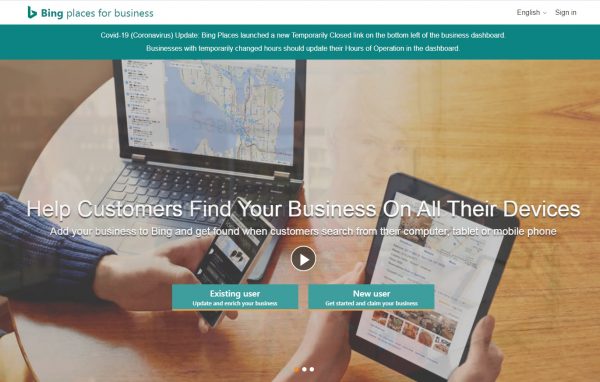
Bing place for business https://www.bingplaces.com/ and search engine optimization (SEO)
Does it help with search engine optimization?
Businesses from Google My Business can be imported into your Bing Places account so you can quickly add them to Bing Maps.
You can display ownership verification, name, address, phone number, website address, business hours, and images (photo) from Google My Business.
In the sense that the website address is displayed, you can get a backlink from Bing, and it is registered in the search engine Bing Map, which enables SEM (Search Engine Marketing) and is also exposed in Bing image (photo) search results. It helps.
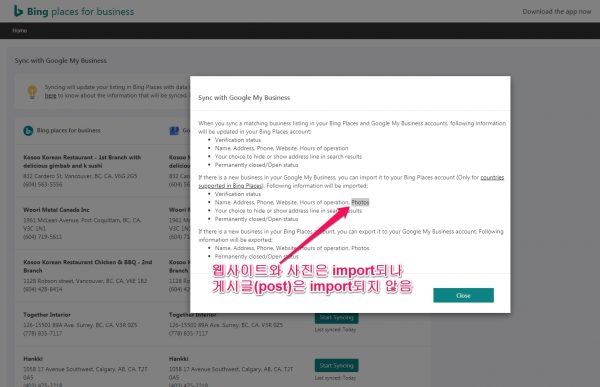
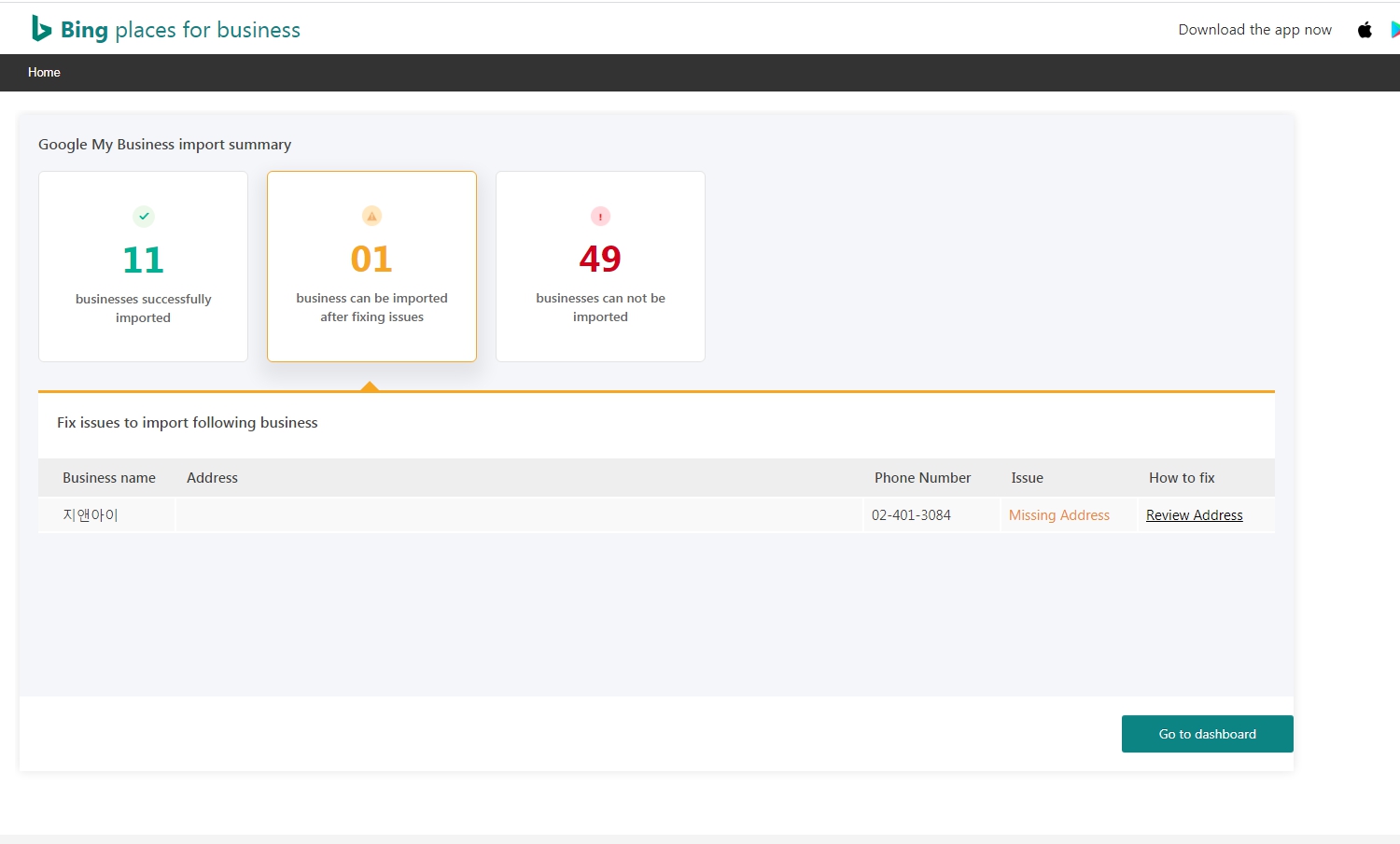
I tried again on 21.12.30 and Korea is now well brought. The number of supported countries has also increased to 31. (For a list of supported countries, see Supported Countries on Bing Places . ) At least one or two of these 31 countries are imported and Korean ones seem to work. You can only bring 10 pieces, so if there are more than 10 companies, you have to do it repeatedly. Please use it as a local business SEO tool for businesses in Korea. <- The disadvantage is that it can be reached in Japan, but the service is not available in Korea. As of March 15, 2021, only 11 of the 49 companies in the US and Canada were imported successfully.
summary
GMB – level materials such as saving , sharing, road directions, surroundings, menus, and online ordering are provided.
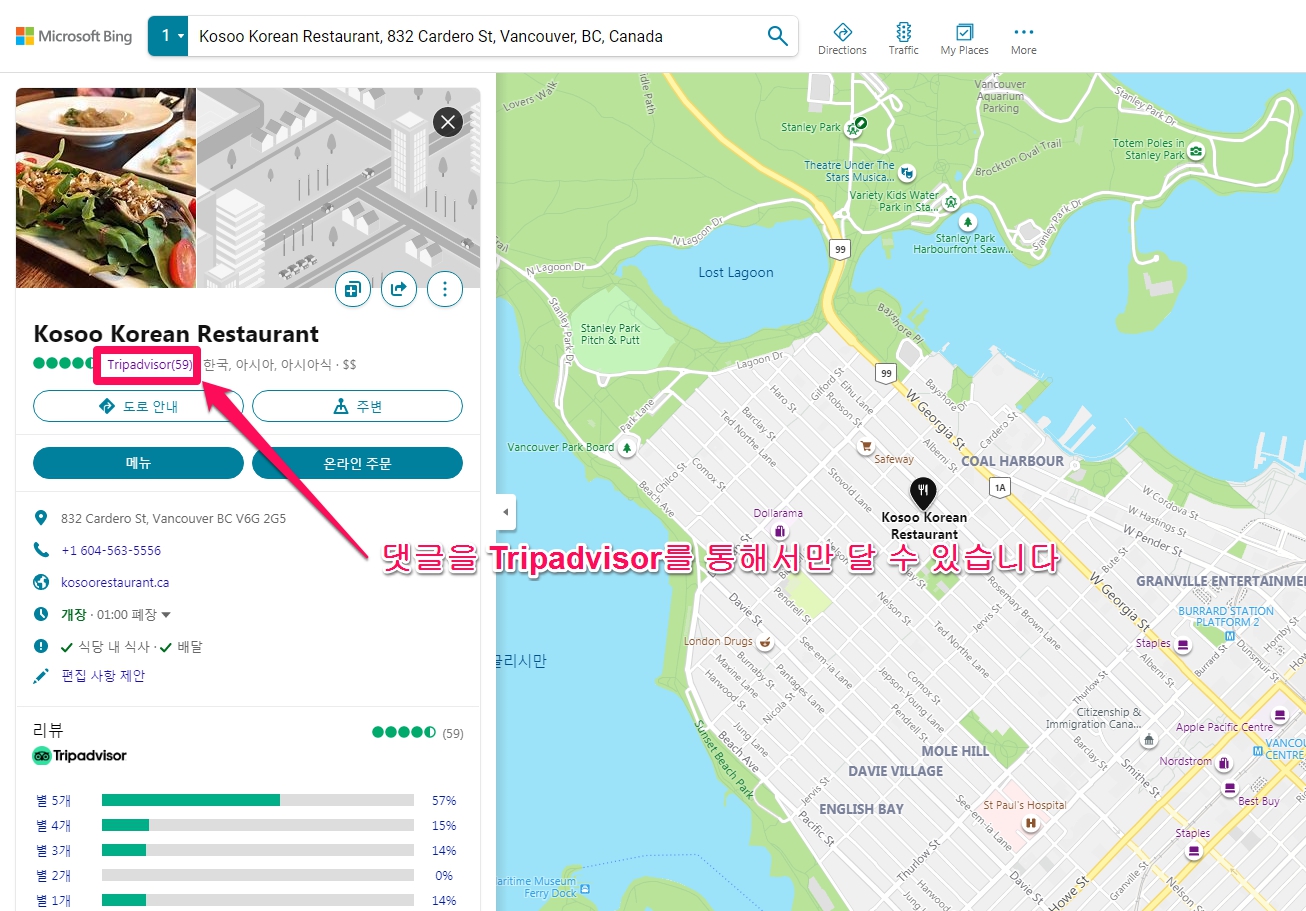
start
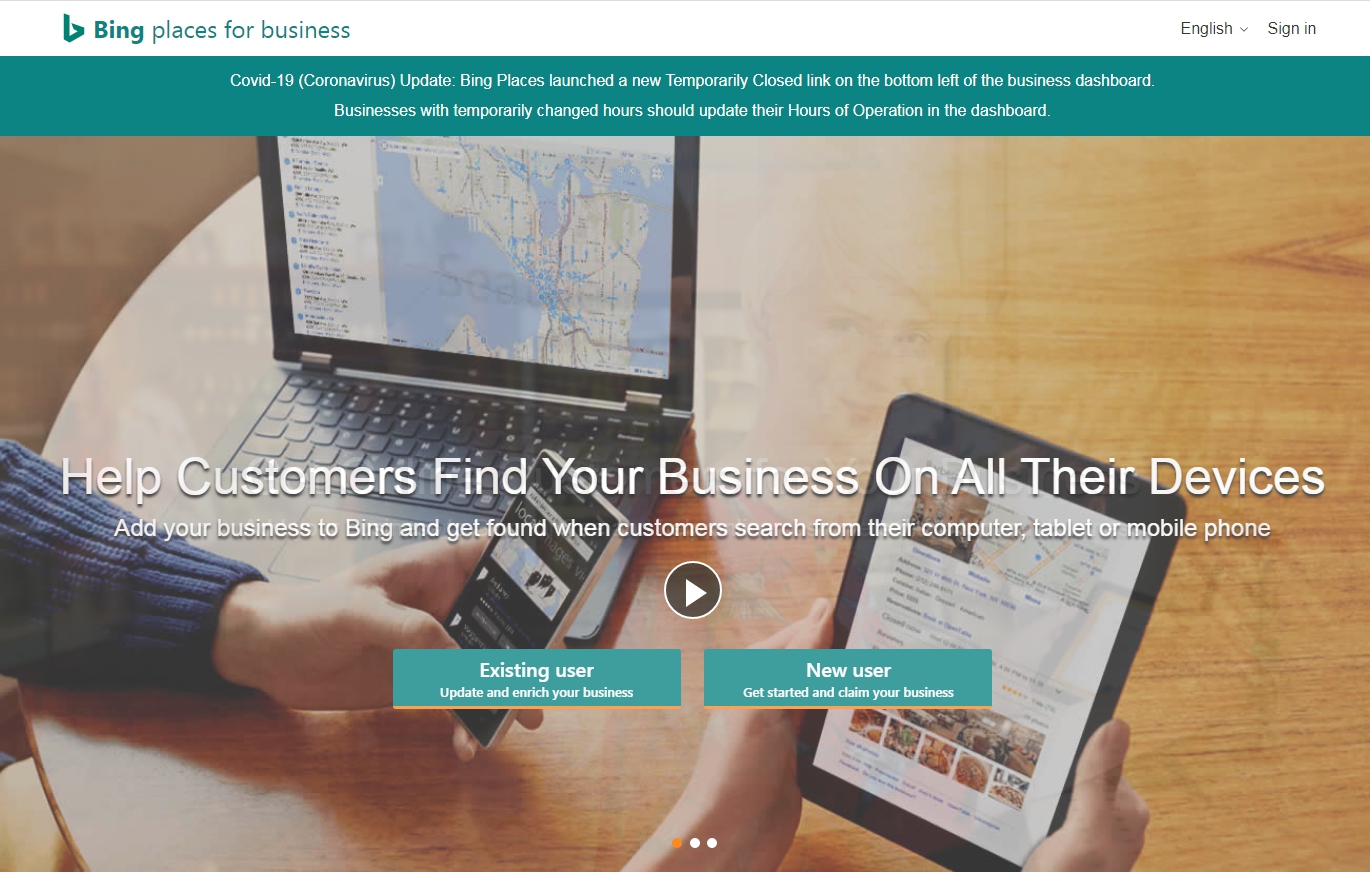
Go to Bing place for business https://www.bingplaces.com/
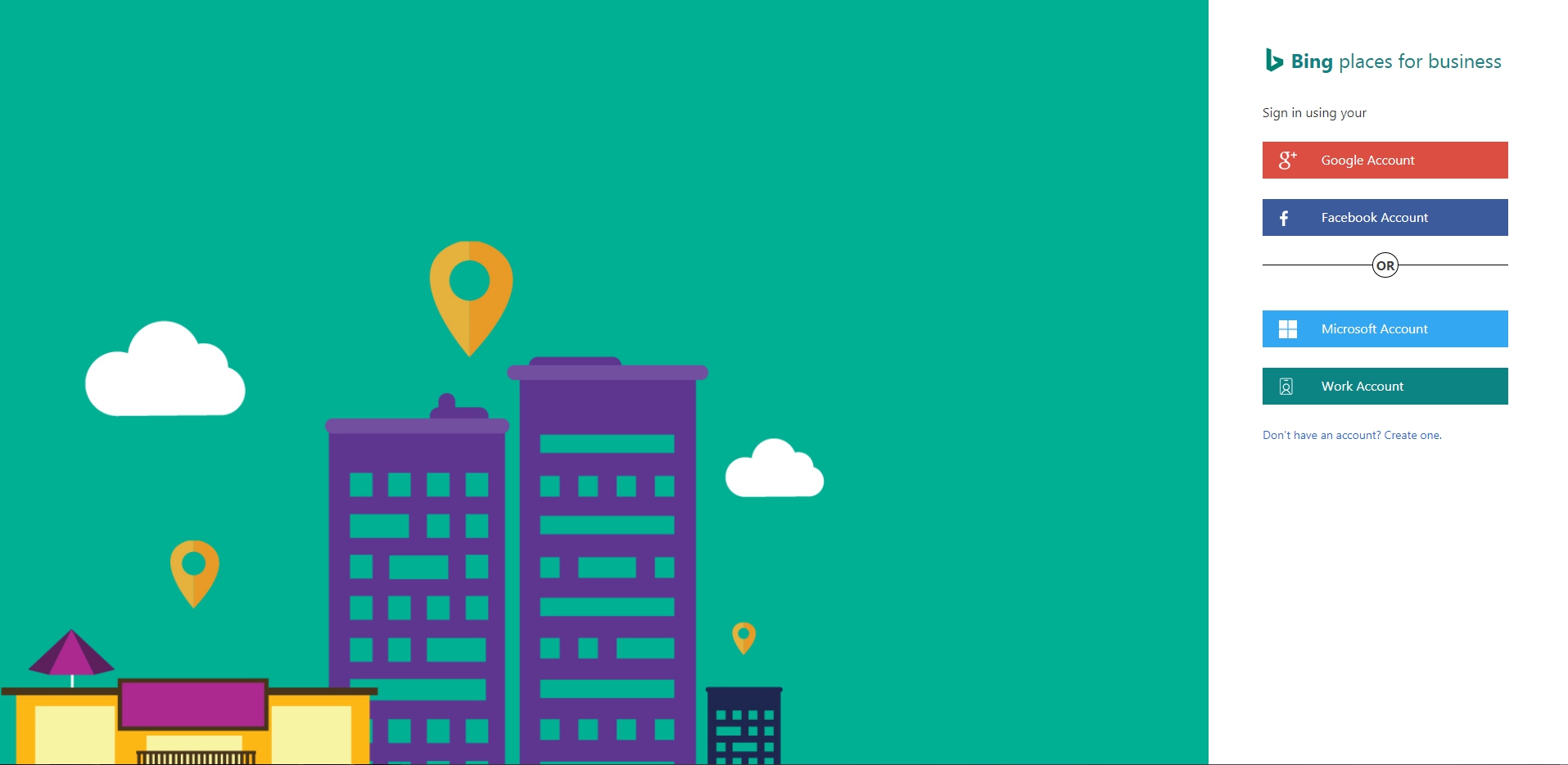
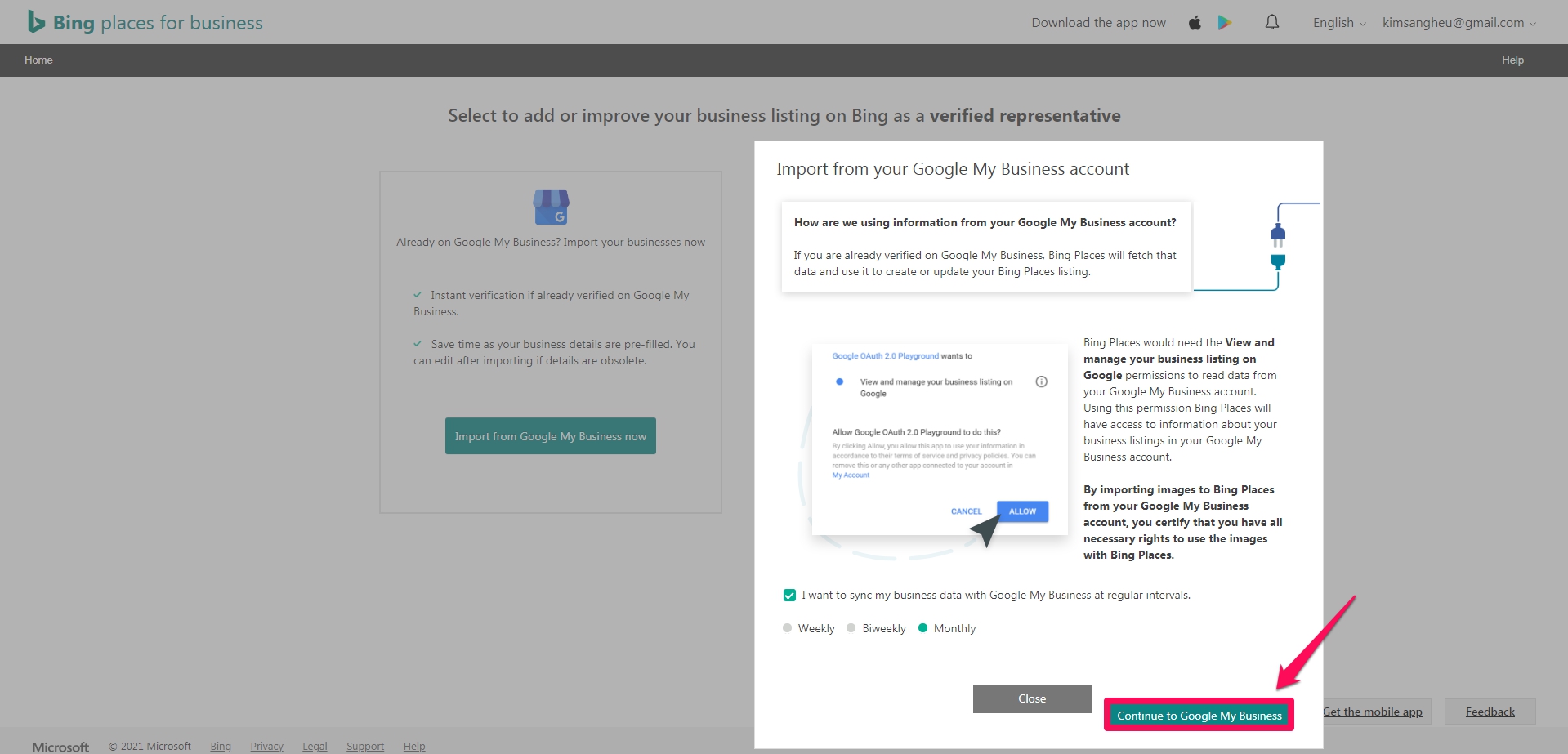
Please log in with your google account to import from your Google My Business account .
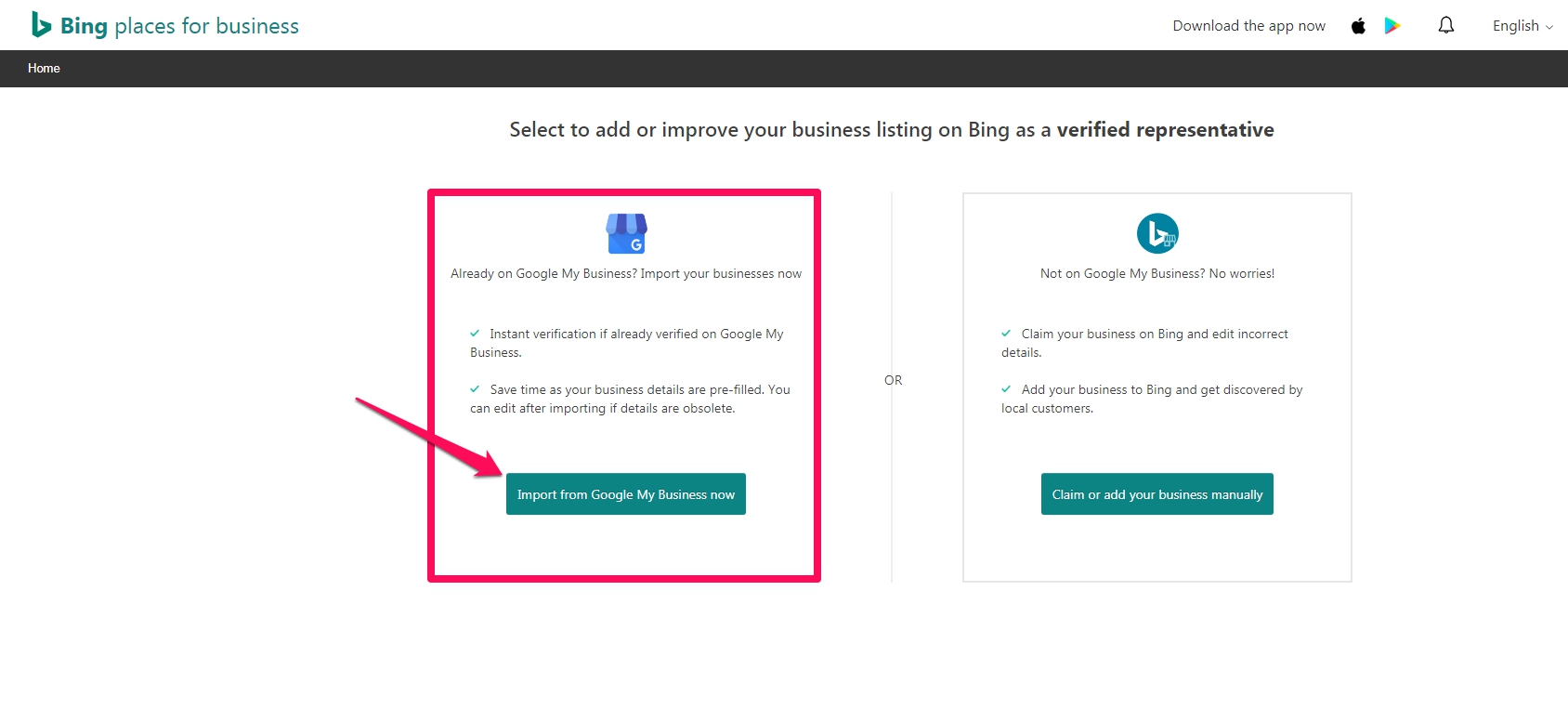
Import from Google My Business account
How do we use information from your Google My Business account?
If you’ve already been verified on Google My Business, Bing Places will take that data and use it to create or update your Bing Places listing.
By importing images from your Google My Business account into Bing Places, you are verifying that you have all the necessary permissions to use the images in Bing Places.
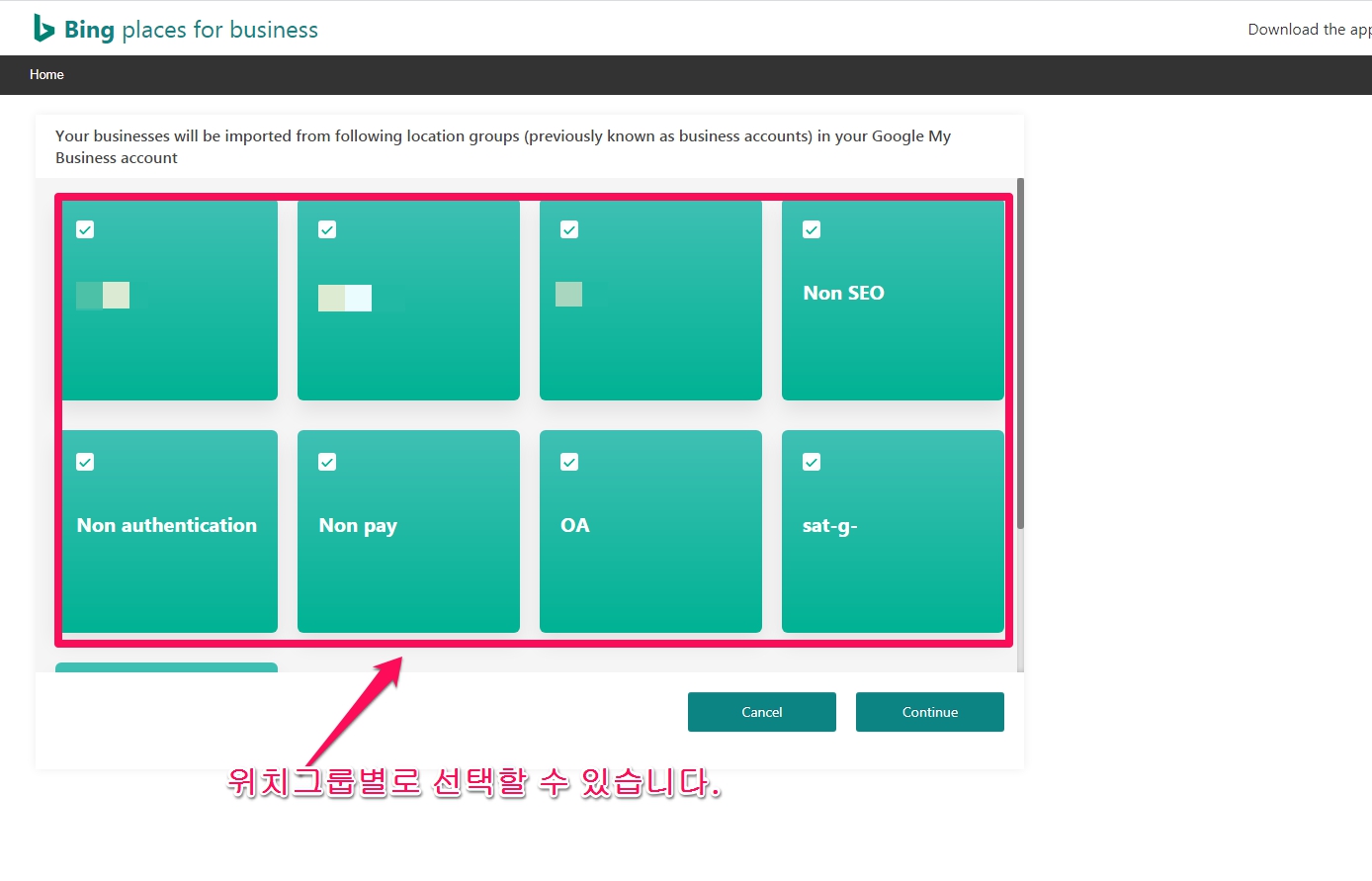
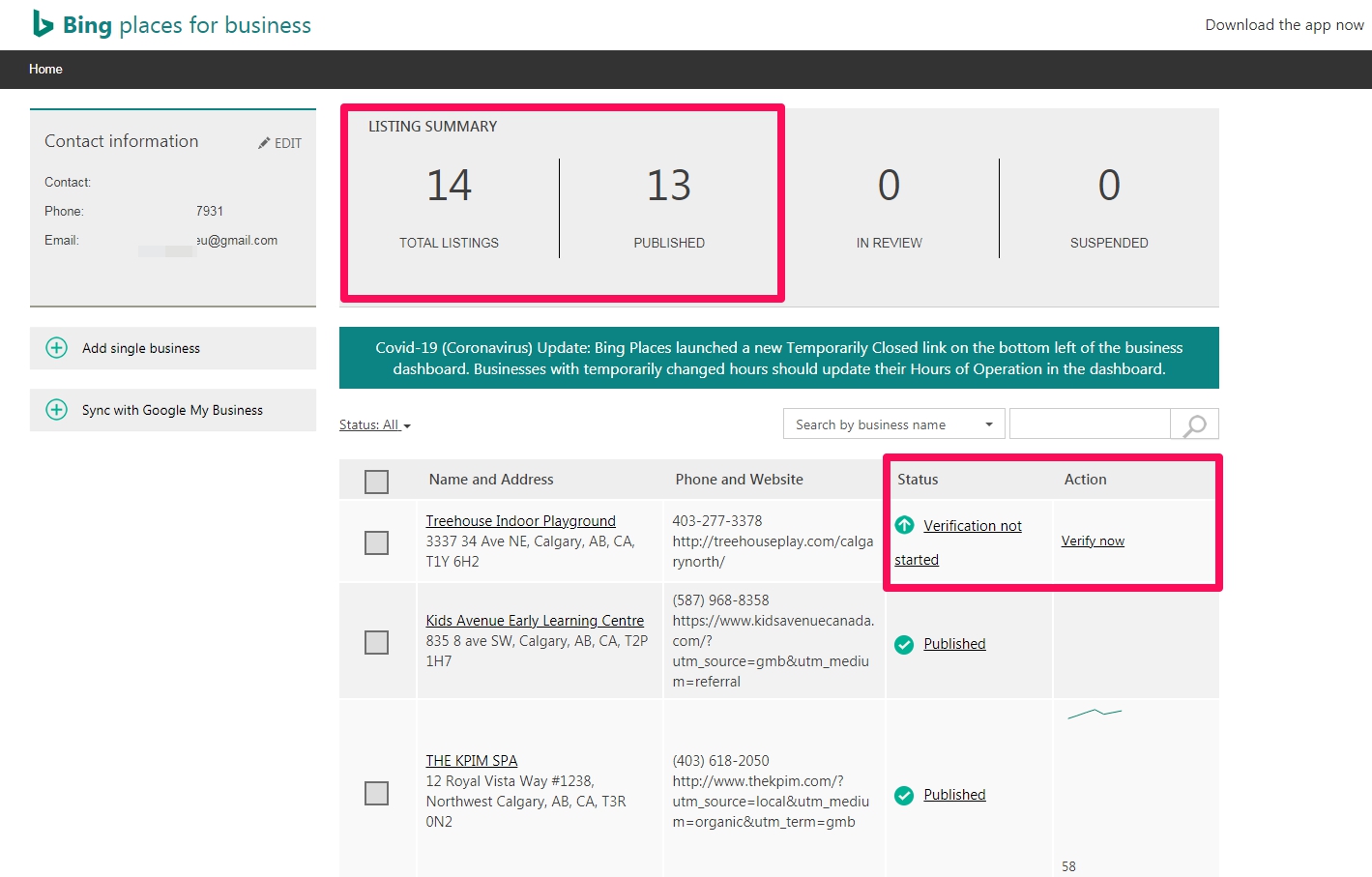
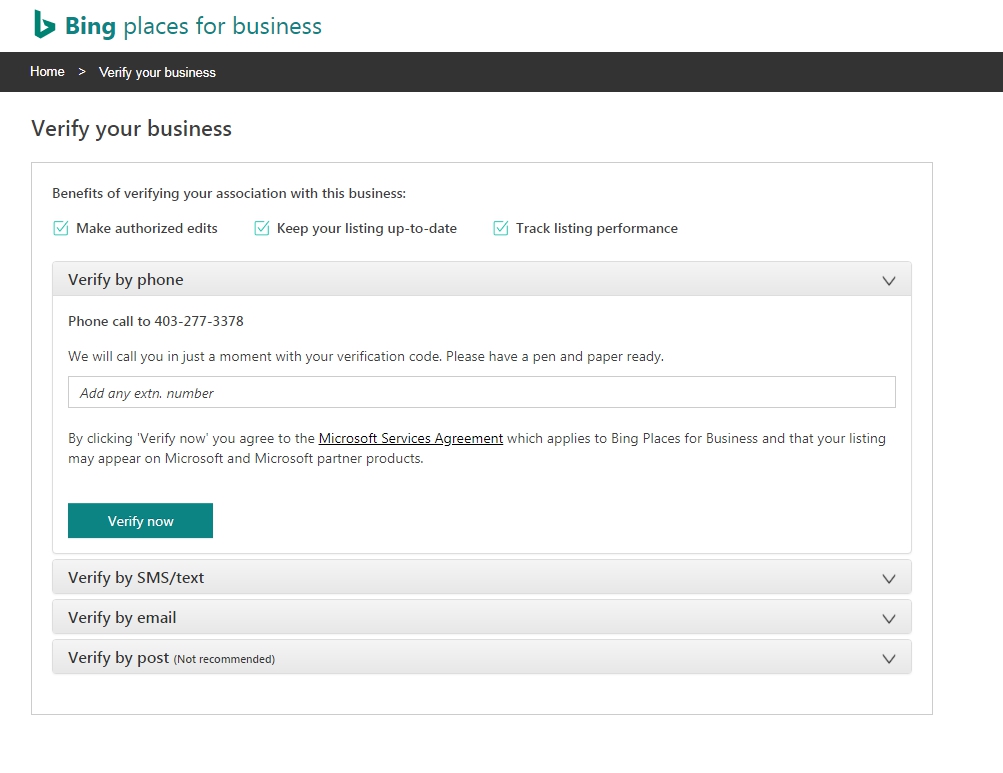
When importing from Google My Business (GMB, Google My Business) for the first time, manually for quick publish to Bing Maps.[Syn Setting] It is recommended that you do
Also, since there are many cases where previously registered locations are not automatically synched, it is a good habit (method) to do SEO work for Bing Place whenever you manually see the locations to be synched.
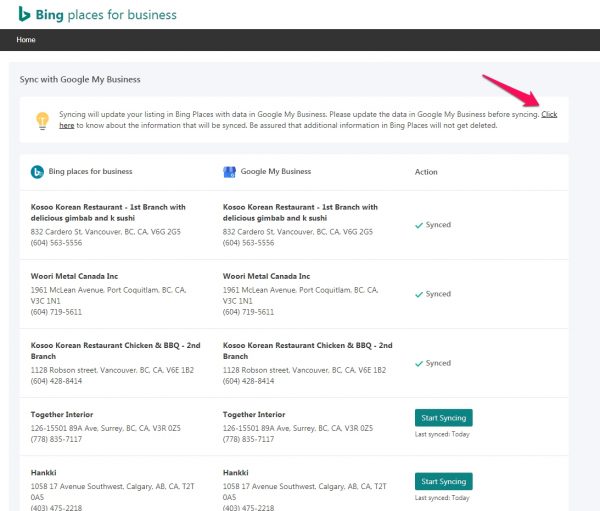
Trouble Shooting
Q. Add Category
What should I do if I see Add Category in Action on the dashboard ( https://www.bingplaces.com/DashBoard/Home )?
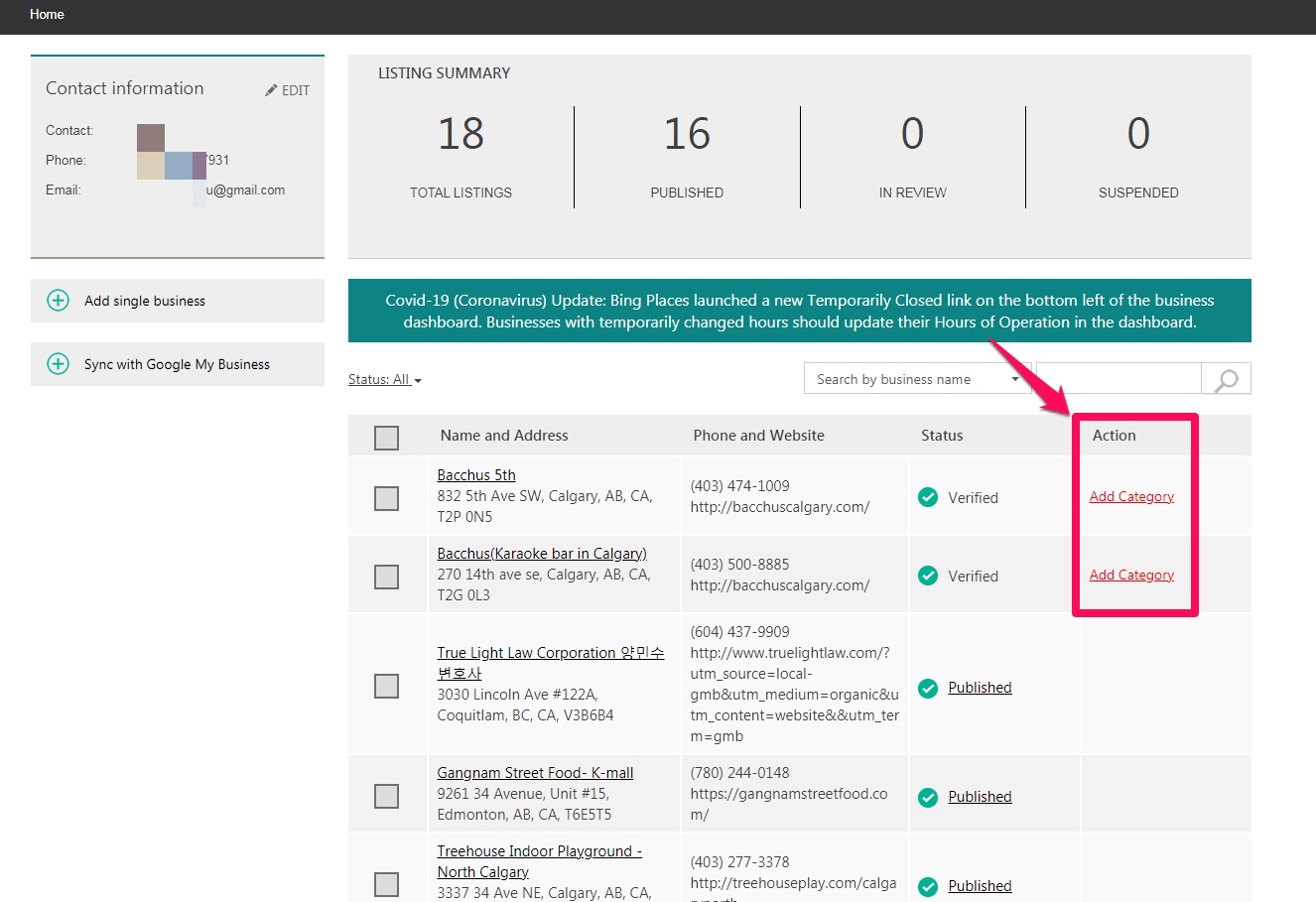
A. It is correct to view Add Category as a request for additional work, not an error. It is like importing data from GMB, but the user wants to manually match the information or categories that were not imported because it is blank.
Please click and fill in the information as requested or upload an image.
Choose your segment of business
It finds and categorizes the category to which the location (business) belongs.
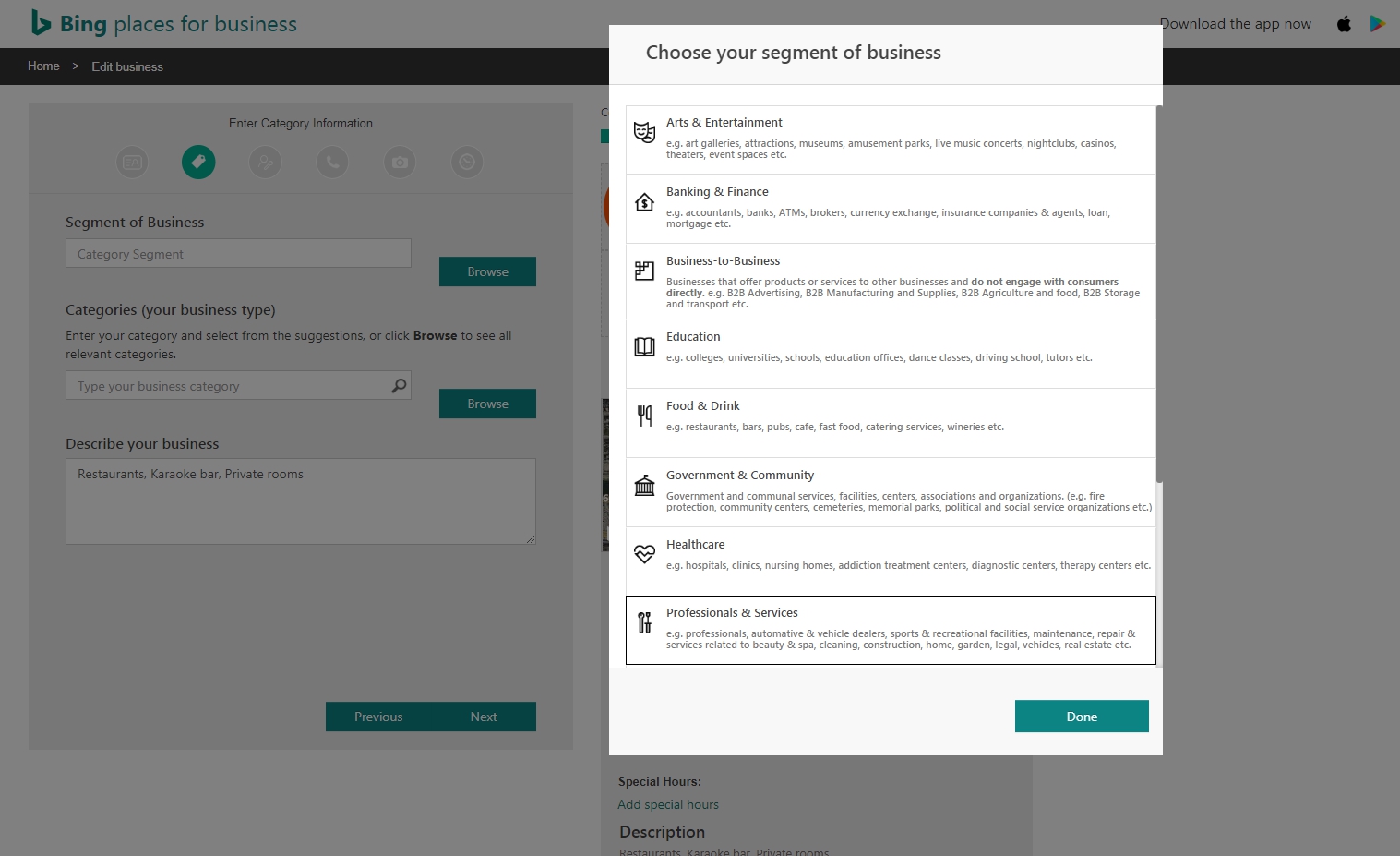
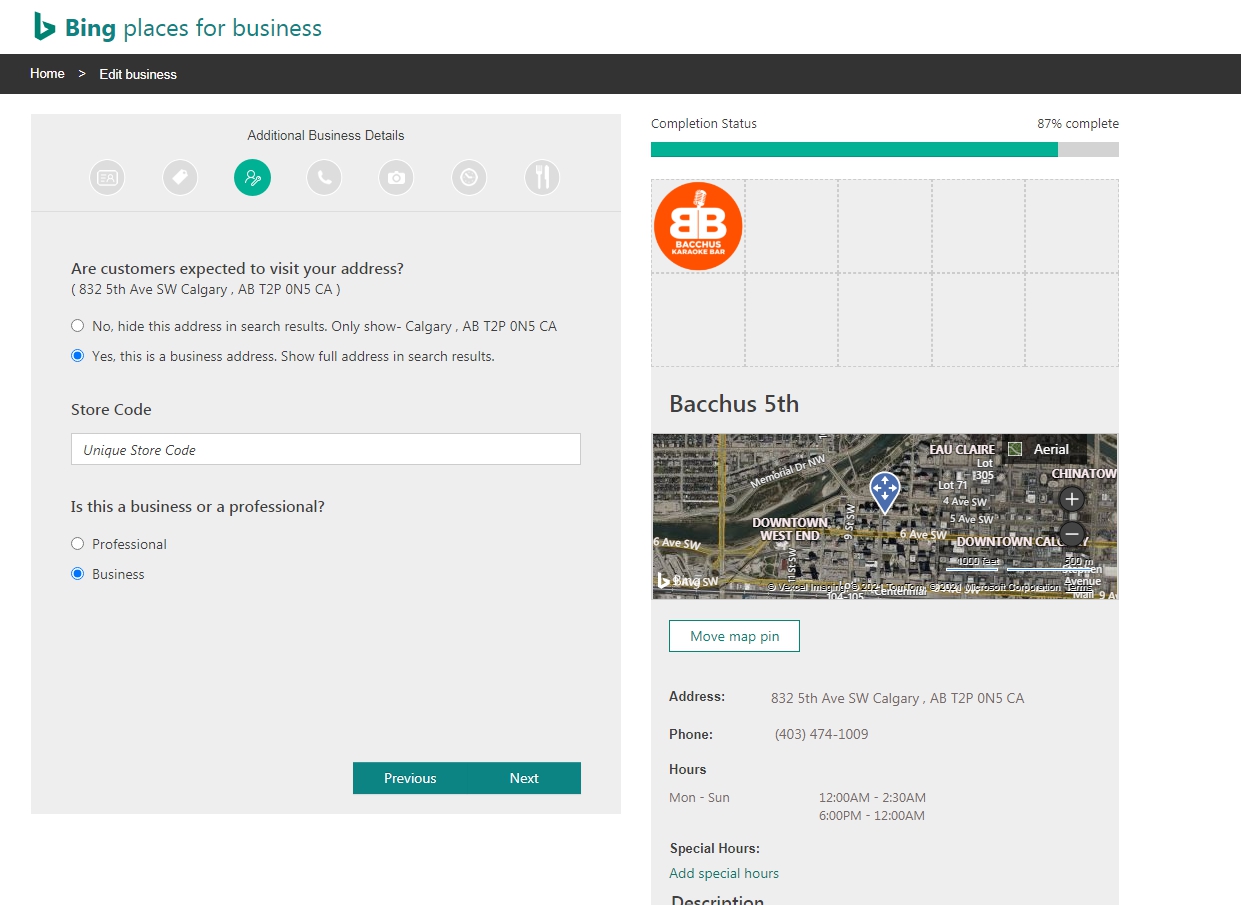
Additional Business Details
We will learn more about Store Code and explain later.
2021-09-18 As of now, I don’t know exactly the difference between Business and Professional.
 Enter Contact Details
Enter the URL of your email and social media page account.

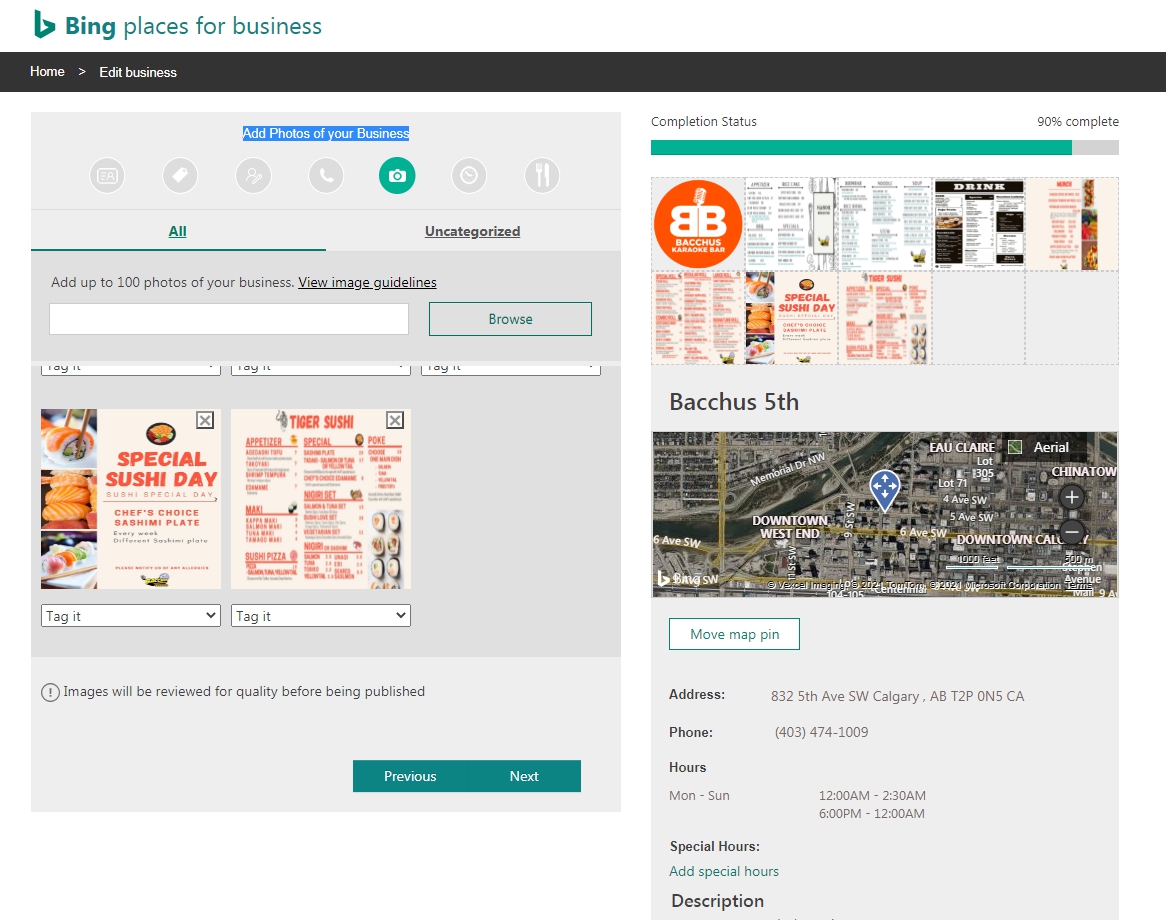
Add Photos of your Business
Photos in Google Maps (GMB) cannot be imported due to the copyright of the photographer. You must upload your photos separately.
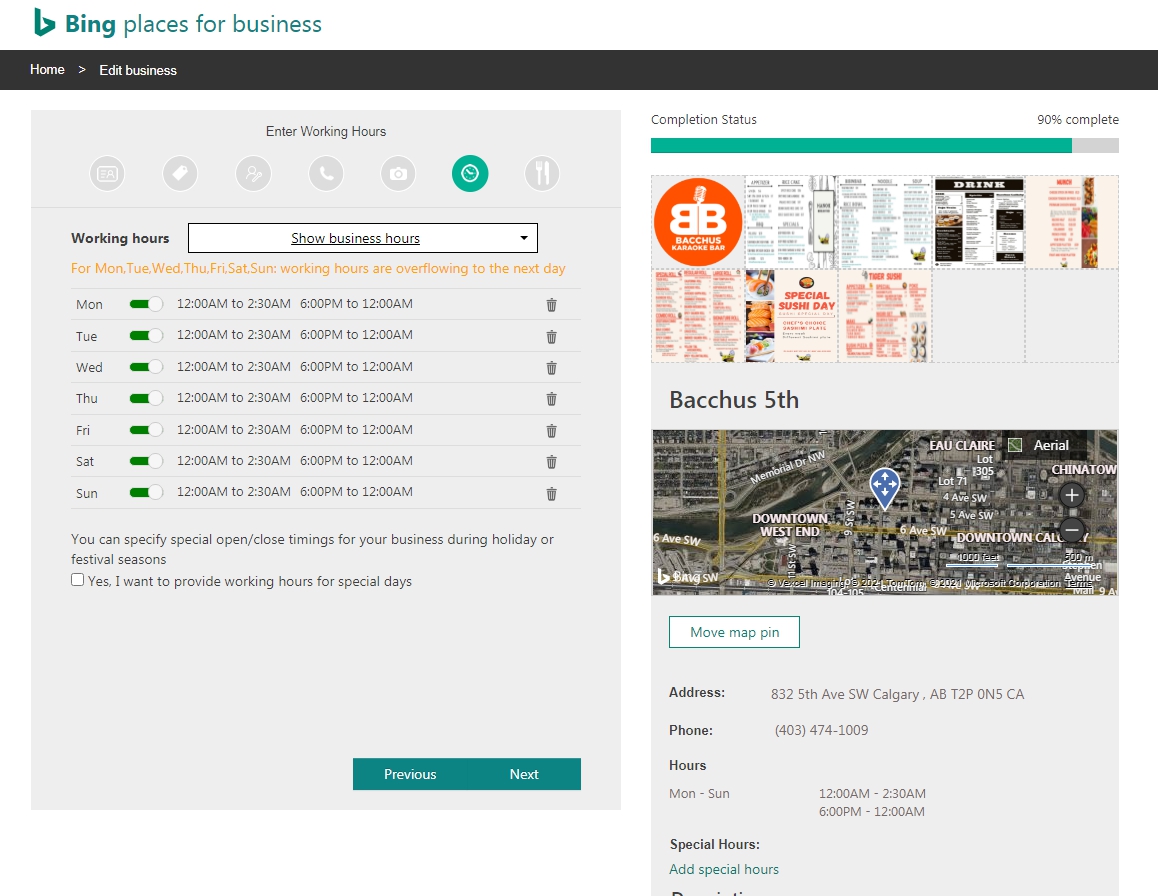
 Enter Working Hours
If the business hours obtained from GMB are incorrect or there are additional business hours, we will change or add them.
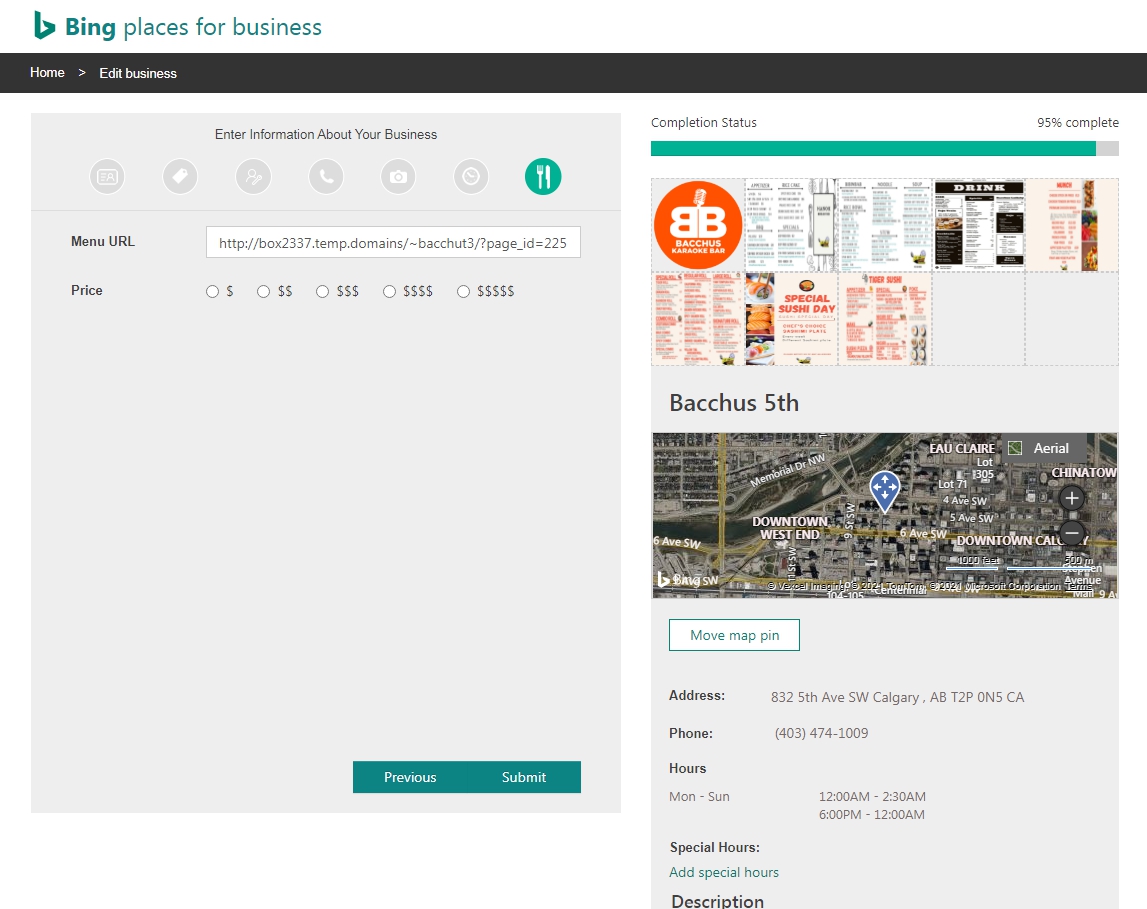
Enter Information About Your Business
Enter the menu address. It indicates whether the price is expensive or cheap in one of five levels.
FAQ
What are the key differences between Google My Business and Bing Places for Business?
Aside from the obvious fact that Bing Places provides Bing local search results and Google My Business uses Google, there are subtle differences in how the two are known to work.
- While both Bing and Google share a common ambition of providing users with the most relevant results for local businesses close to them, Bing’s algorithm considers social cues such as Facebook shares as quality metrics, but Google doesn’t. If you’re a clothing designer, interior stylist or a very visual business like an event venue, this can work to your advantage, especially if you’re already well-established on relevant social networks like Instagram.
- Bing takes high-quality images seriously . You can add up to 100 photos to your listing, 2 of which must be external to your listing. Bing also provides interior images showing details such as seating arrangements, images of high-quality products, images showing awards your business has won, or events you have attended so that visitors have a clear idea of what to expect of your services and events. We suggest adding along with a picture that explains something specific. used equipment. The image size must be at least 480x360px (Google’s minimum image size is much smaller, 250px high x 250px wide). Unlike Google, you can upload images up to 10MB (Google limits 5MB), provided they adhere to the same size.
- On both Bing and Google, reviews are an important part of each business’s local search results, but while Google primarily displays Google reviews, Bing Places for Business displays reviews from third-party sites including Yelp, TripAdvisor, and Facebook.
- You may also notice that the layout used when browsing the list on Bing is different from Google’s. As mentioned above, Bing has invested heavily in visual search over the past few years, which is evident in its more attractive displays. In Bing, local business listings are displayed in the main search results area, making them even more focused (Google also uses boxes, but they are often placed to the right of search results rather than directly integrated into the main list of search results on the desktop). Bing’s display features a strip of images at the top of the list, an outlined box on a contrasting background, a button with an icon to ask for directions or go to a business website, and a scroll for information including reviews, social media links, and top products. Equipped with a possible carousel.
Why should I set up a Bing Places listing for businesses?
There’s no denying that Google is still the dominant search engine, but it’s important to remember that search behavior continues to evolve, and as we’ll discuss below, millions of Internet users use Bing to help them navigate the web.
It’s easy to fall into the trap of thinking that Google is so advanced that other search engines aren’t worth it. However, Bing, the third most popular search engine after Google and YouTube, is still processing billions of queries each. month. You can use Bing Places listings to trigger some of these clicks, calls, and sales.
Register and manage with a Bing Place agency account (instead of your personal account)
After becoming a Bing agency, Google My BusinessGMB) will not be synced.
It seems that the service will be available in the United States and the United States, so try adding single by selecting multi, single, or chain among upload methods.
Instead of kim @gmail.com registered as agency, try to manage an account starting with a010 @gmail.com by adding a010 **@gmail.com account as an administrator in GMB and importing it.
If you go to the settings (preferences) of the admin page, you can select the synchronization cycle with GMB, so it is judged that synchronization with GMB is possible even in the agency account once registered.
Become a Bing Place agency
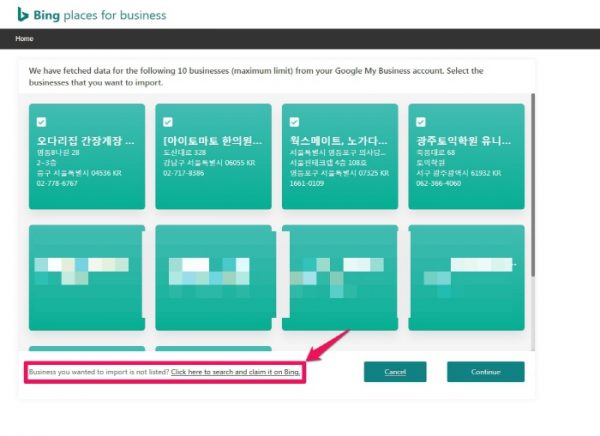
Business you wanted to import is not listed? Click here to search and claim it on Bing. ( The business you want to import isn’t listed? Click here to search and claim on Bing. )
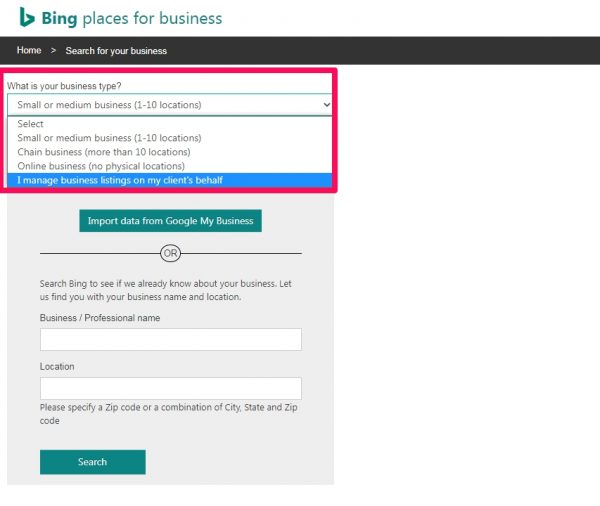
The following 4 options will appear.
- Small or medium business (1-10 locations)
- Chain business (more than 10 locations)
- Online business (no physical locations)
- I manage Business listing on my client’s behalf)
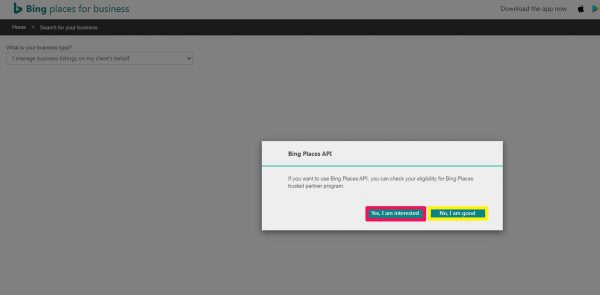
I manage Business listing on my client’s behalf), I chose [No, I am good] because I was bothered by the API setup with two options: [Yes, I am interested] and [No, I am good]. It is no longer automatically fetched from GMB. I have become an agency, but I am not able to modify or cancel agency conditions and automatically import from previous status=GMB.
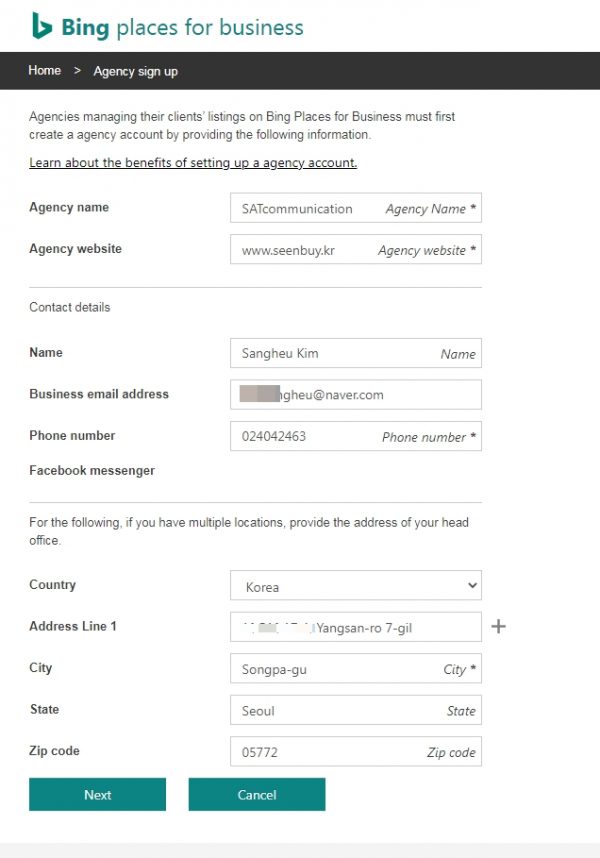
Get Locations in Bulk
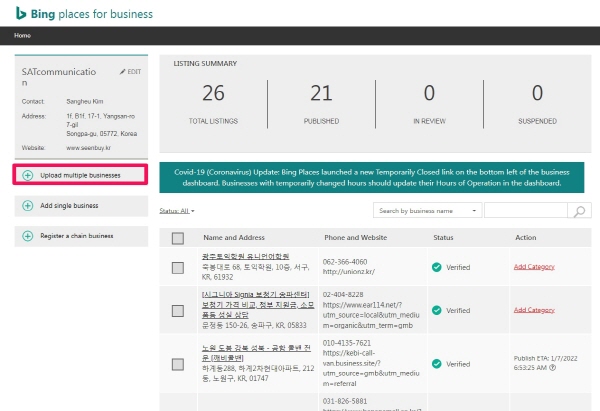
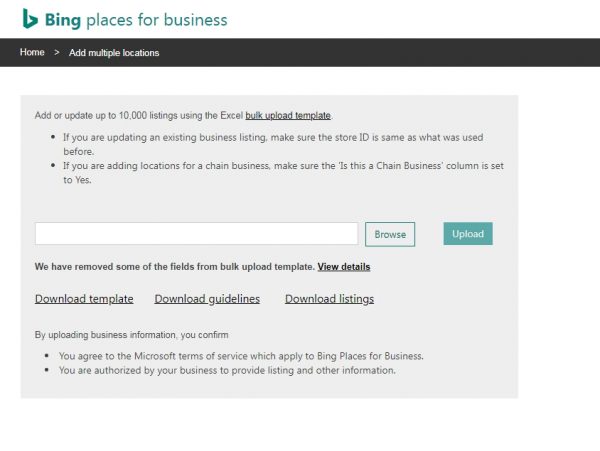
Add single business
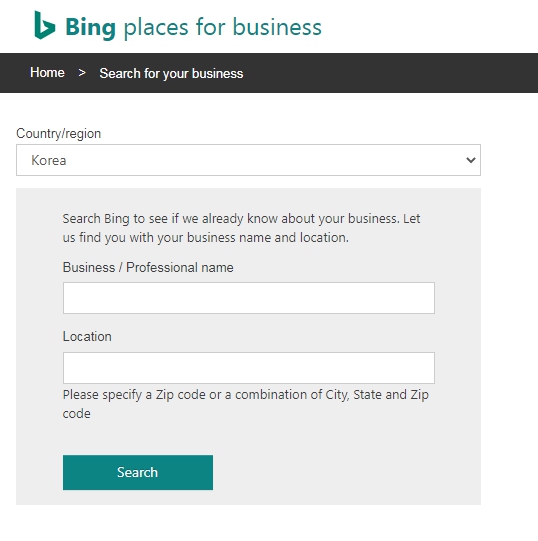
Add single business consists of Business / Professional name and Location. Business/Professional name can be searched if you search it as it is in Korean. There is a phrase ‘Please specify a Zip code or a combination of City, State and Zip code’ in Location, but Korean zip codes cannot be searched. In the case of a Korean company, search by entering the Eup, Myeon, Dong, and Ri of the business.
In review
Whether uploading in bulk or adding a single location, the following guide appears at the end. And if you go to the dashboard and check it, the status of the company is In review. We will update again how the business registered in 21.12.3 changes.
Business information requires data quality review.
We’re almost there! After verifying that the listing meets the Bing Business Places of Business Data Quality Guidelines, we will contact the customer with instructions to complete the verification process.
Once the review is complete, you can view the publication status on the dashboard.
( Business listing needs data quality review
Almost there! After we confirm that the listing meets the Bing Places for Business data quality guidelines , we will contact your client with instructions to complete the verification process.
When our review is complete, you can view the publication status from the dashboard.)
References: 1. Bing Places for Business – Bing Local Listings Explained